Your Claude Code sessions, live
See which session is working, which one is waiting for you and how much of your plan is left. Permission requests show up in the island with the command, file or URL, so you can allow or deny them from there.
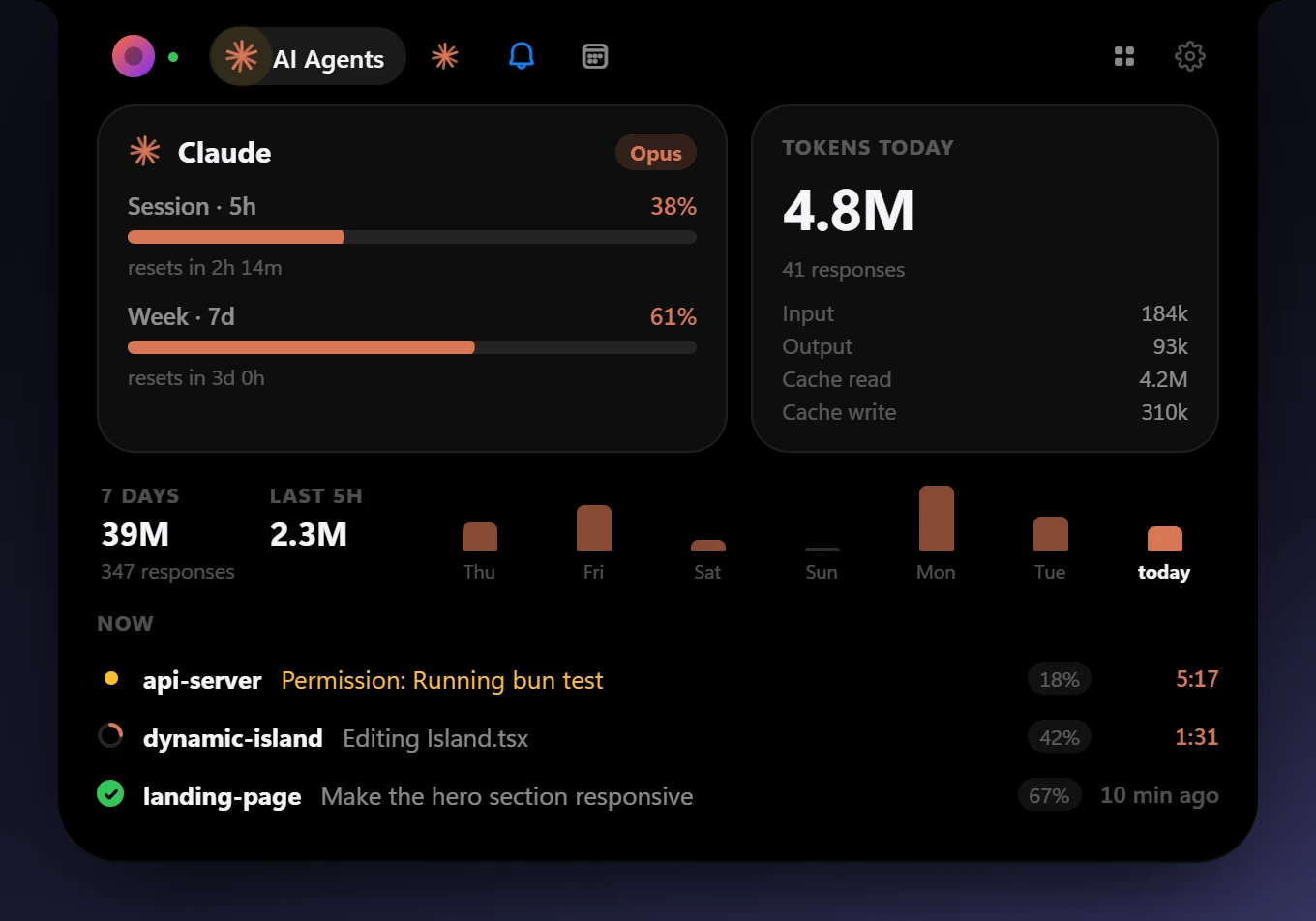
bun run buildTry the buttons. In the app, this is how you answer Claude Code without leaving what you're doing.
It shows what's playing, what your Claude Code sessions are doing and your notifications, and stays out of the way the rest of the time.
Free and open source, for Windows 10 and 11.
See which session is working, which one is waiting for you and how much of your plan is left. Permission requests show up in the island with the command, file or URL, so you can allow or deny them from there.
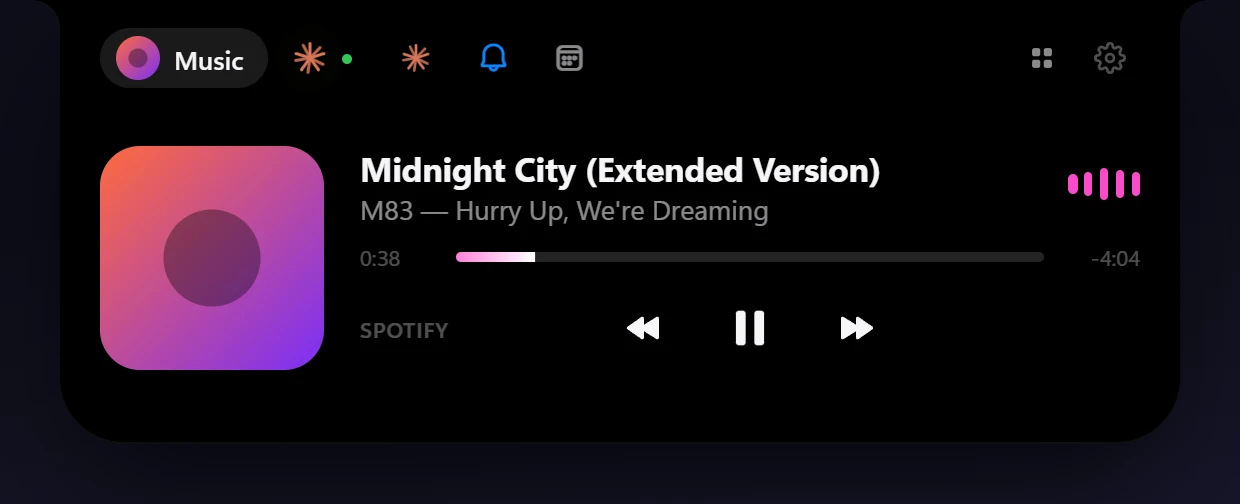
Spotify, browsers, Apple Music, VLC: anything in Windows' media controls. Track, artwork, a progress bar you can click and a visualizer. A YouTube video plays muted right in the island, and Pin pops it out into a small floating window.
Press Ctrl+Alt+Space and type. It uses your Claude Code login, so you don't need an API key, and it can attach a screenshot of the window you were in.

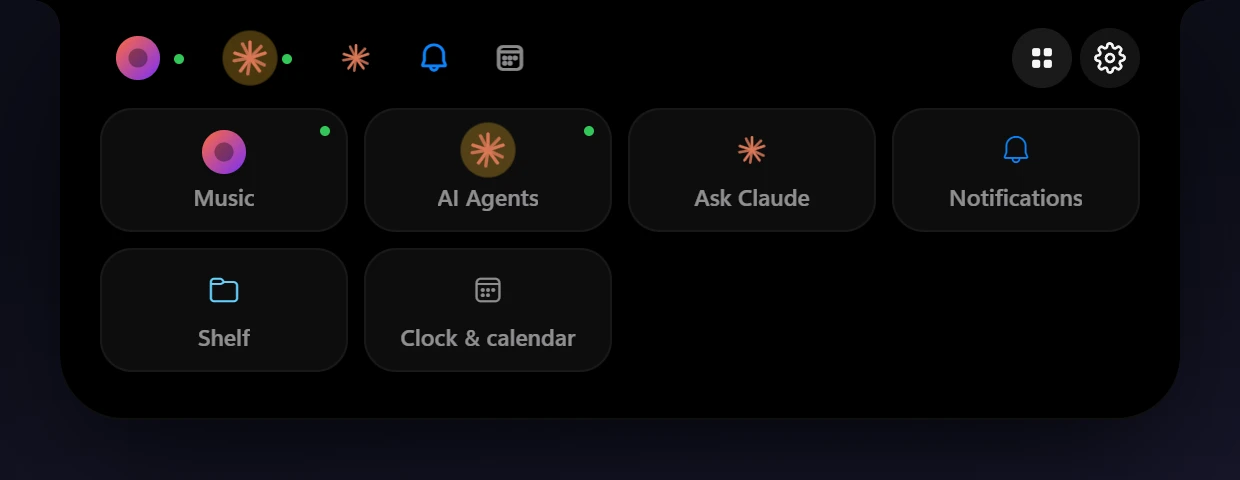
Pin the modules you use most to the tab bar and keep the rest one click away in the launcher. Drag to reorder them, or turn off the ones you don't need.
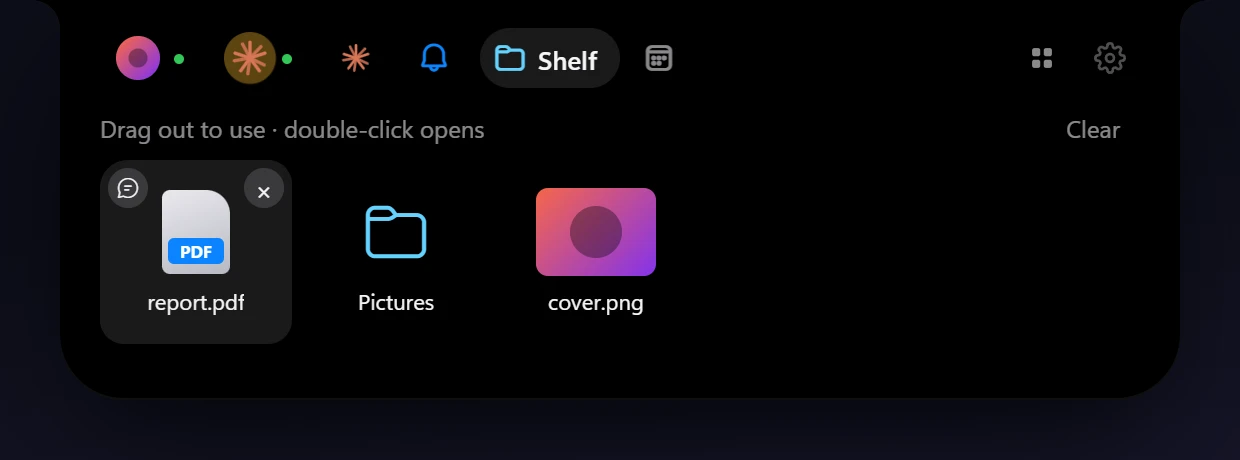
Drop files on the island to keep them until you drag them into another app. What you copy shows up for a moment, and the last 20 items stay in a list.
Keep it as a plain black notch hanging from the top edge, or switch to a floating pill with a rim in one of seven gradients, or two colors of your own.




No account, no analytics, no telemetry. When a module needs an online service, like Google Calendar or GitHub, the app talks to it directly, and only after you turn that module on.
Read the privacy policy